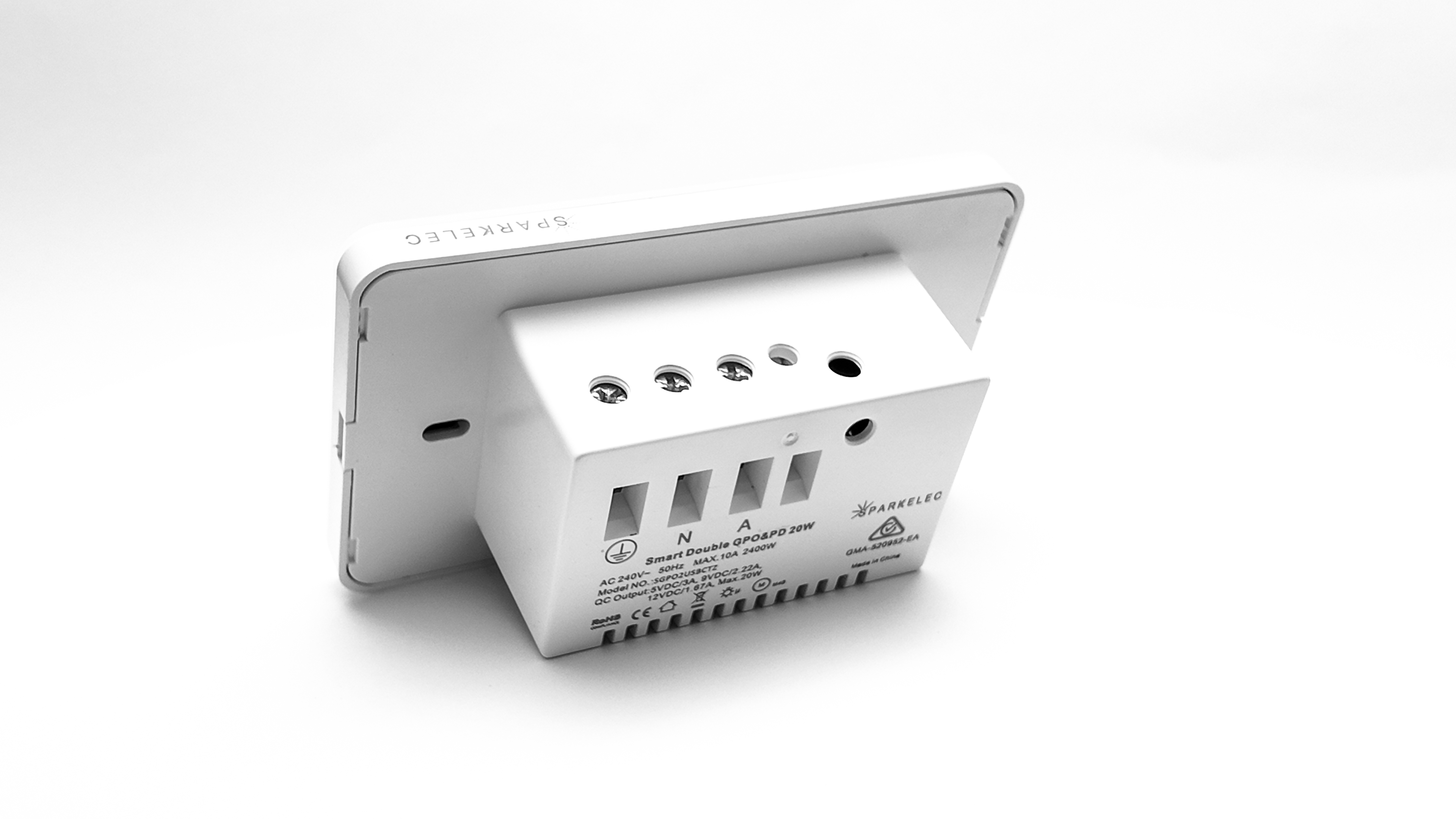
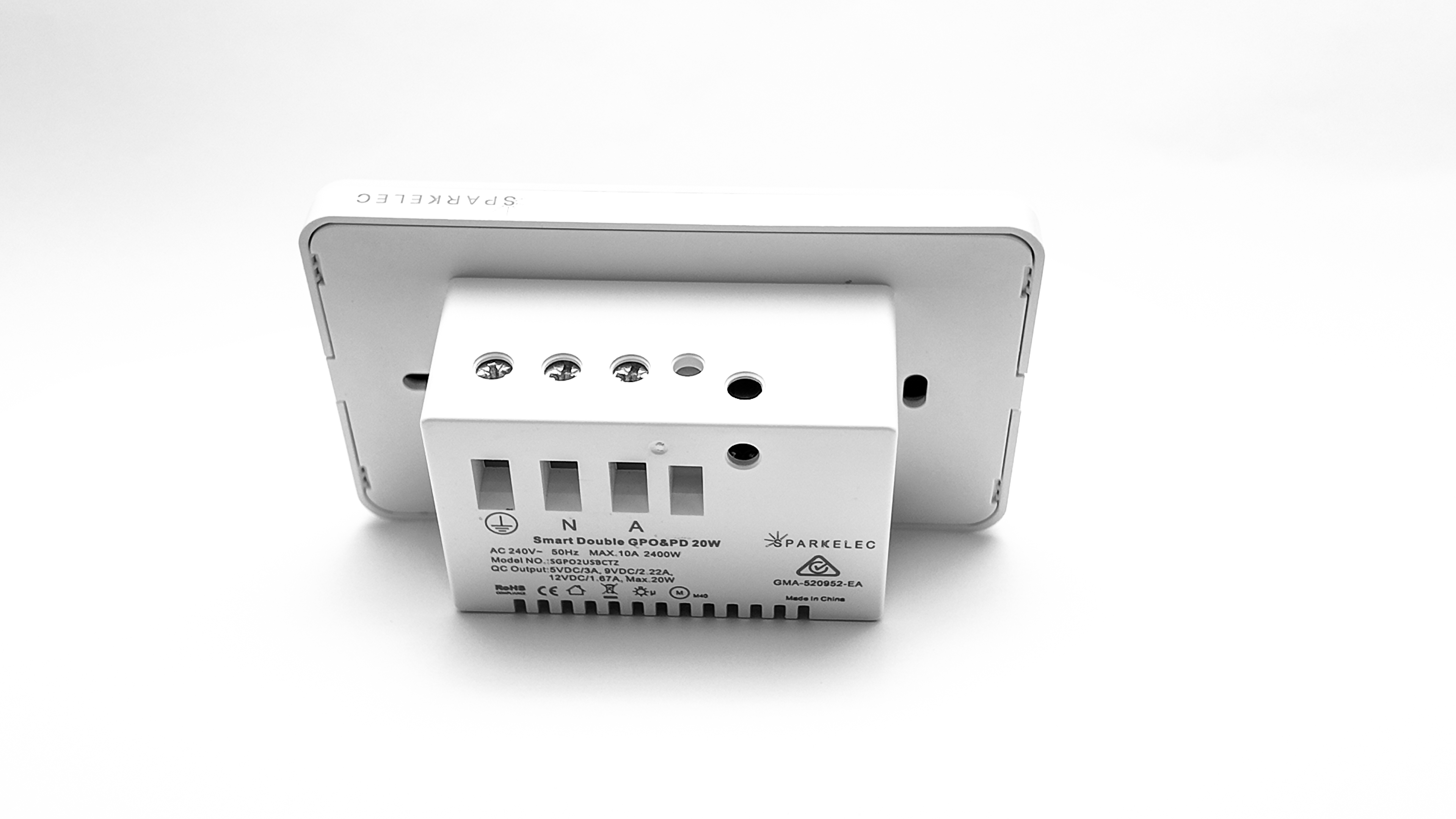
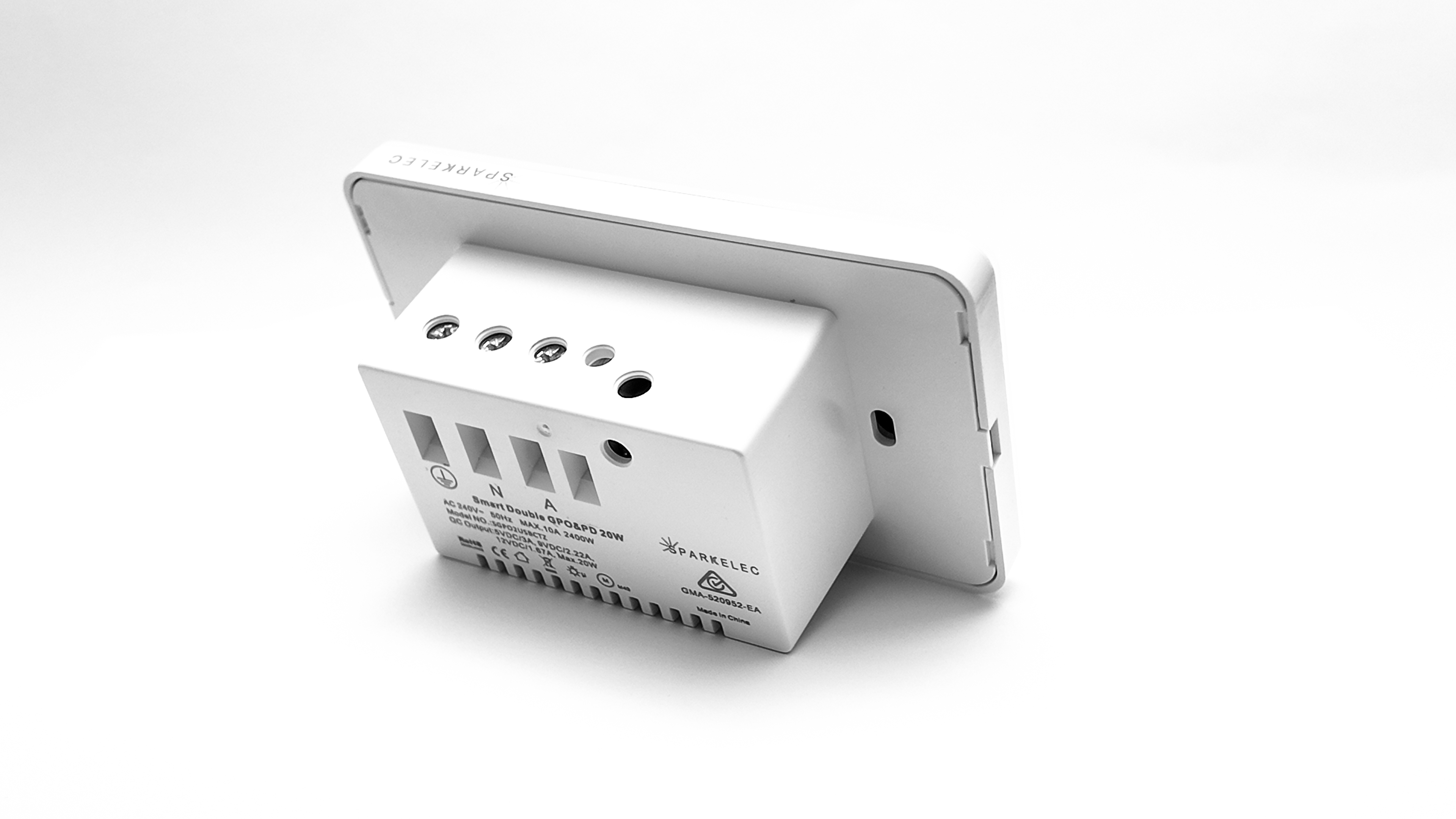
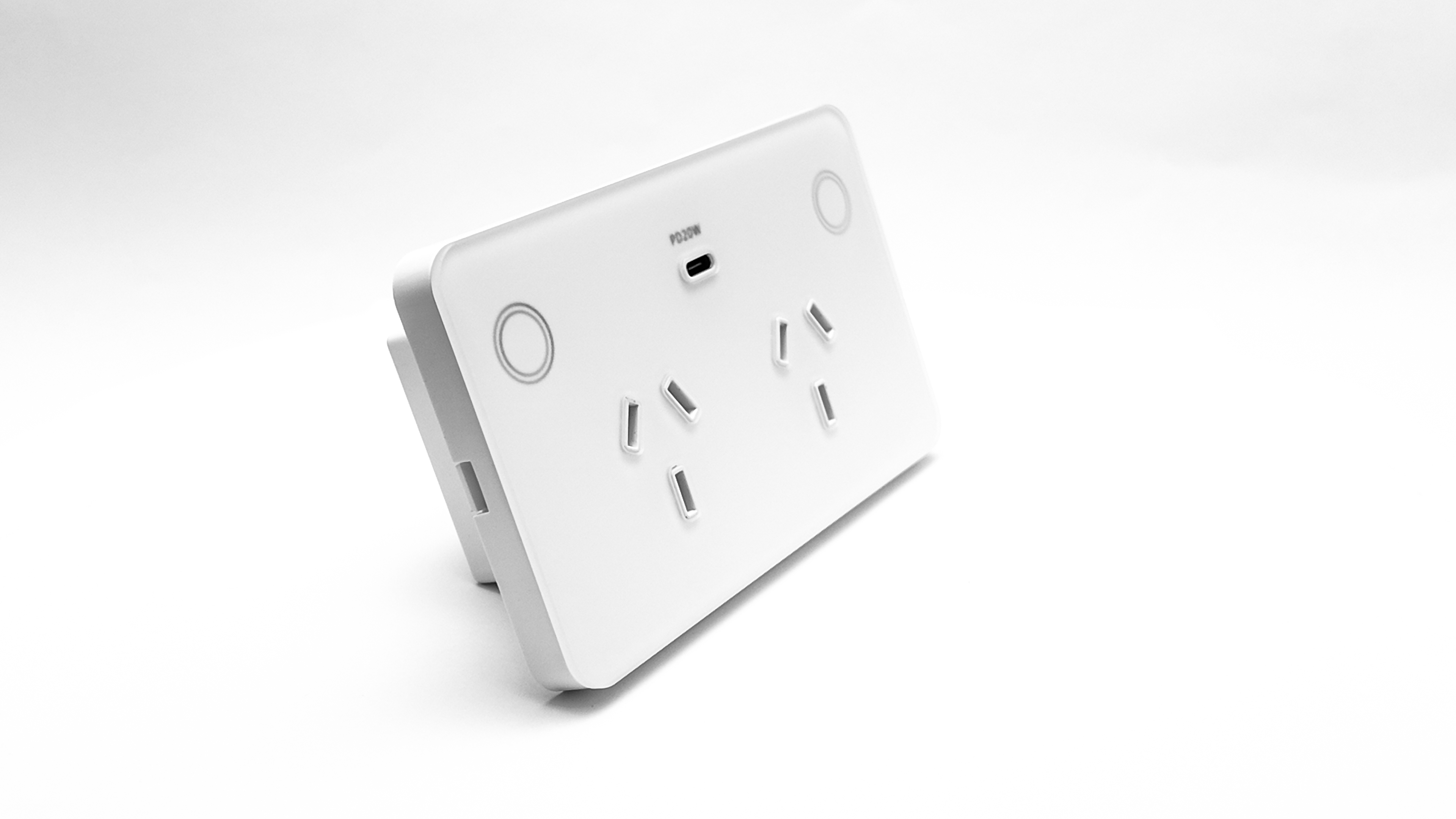
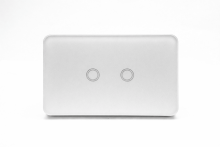
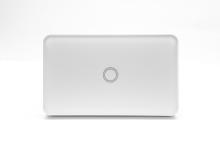
Double Power Point 10A Smart Zigbee Touch Glass With with USB-C Charger - OFF WHITE - SPARKELEC - SGPO2USBCTZ-WHITE
With USB-C PD Charger (5v DC 3A,9v DC 2.22A,12V 1.67A, Max 20w)
10AMP FOR GPO
Colour: OFF WHITE
For Zigbee Internet & App Function to work our Zigbee Gateway Must be Purchased (Code: SPHUB)
- High Quality Designer tempered glass wall plate (GEN 2 with round edges)
- GEN2 Model Now with Magnets Between Base & Cover + Better Quality Glue
- Dimensions 120mm Wide x 72mm High x 42mm Deep
- Touch ON/OFF control.
- Child Lock Control
- Adjustable RGB Backlight Indicators Via App Control (Must be connected to our Zigbee Hub)
- Turn On/Off Backlight Via App Control (Must be connected to our Zigbee Hub)
- FOR SWITCHES ONLY - 2 Way to 5 Way Via App Control (Must be connected to our Zigbee Hub)
- Schedule/Timer Control Inbuilt Via App Control (Must be connected to our Zigbee Hub)
- Installation: fits standard plaster/stud brackets (84mm centres).
- Wiring: 20mm2 terminals, suitable for 2.5mm cables.
- Requires NEUTRAL for operation (3 wires design).
- Operating voltage 240V 50Hz.
- Power monitoring to measure energy use of connected appliances.
- Create schedules & timing to automate your home.
- Control from anywhere via app or voice control (Sparkelec Smart Home,Tuya Or SmartLife App - Google Home Hub & Amazon Alexa)
- Connects to other SPARKELEC Smart home products.
- FOR GPO WITH EXTRA SWITCH ONLY ONLY: LED LOAD MAX = 1.67A/400w Per Gang Fluorescent = 2.6A/625w Per Gang Motor LOADS MAX = 2.5A/600w Per Gang
- FOR GPO WITH USB-C ONLY - 5v DC 3A,9V DC 2.22A,12V DC 1.67A Max 20w
- Open Switch Tempered Glass Cover via a FLAT Screw Driver - Please make sure you don't insert the screw driver too deep into the top or bottom inserts (Max 5-6 mm) - so you don't damage the tempered glass
- Open GPO Tempered Glass Cover via a FLAT Screw Driver - Please make sure you don't insert the screw driver too deep into the left or right inserts (Max 5-6 mm) - so you don't damage the tempered glass
- GEN2 IS NOW MATTE BLACK OR MATTE WHITE - Fingerprints less visible compared to GEN1 Shiny Black or White
Manuals & Certifications
Please check the Attachments tab and our Installation Guides & Manuals page for:
- Product Specifications
- Configuration Manual
- Australian Product Safety Certification & Approvals
*Sparkelec Smart Home Mobile Application
-Android App via Google Play Store https://play.google.com/store/apps/details?id=com.perfection.sparkelec
-Apple iOS App https://apps.apple.com/lk/app/sparkelec-smart-home/id162960948
*PROGRAMMING TO ZIGBEE HUB - tap on/off "5 times" on the 5th time, hold down the mech for 7 seconds, the led indicator will then start flashing red. This is when you can scan for more devices on the app (otherwise the new device won't be recognised)
(THIS APPLIES TO GEN1 MODEL ONLY NOT THE CURRENT GEN2) Intermittent switch mech lockup - FOR SWITCHES ONLY (if you can no longer turn/off the device connected to the Zigbee Switches
- 99% of the item, it means the overload protection (auto lock function) has kicked in.
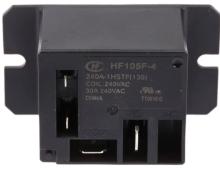
- The load you have put on is either too much for the switch to handle or you have gone over the maximum VA per switch mech - Purchase our mini 240v power relay (need 1 per gang that is overload) and this will resolve the issue - HF105F-4 relay located here
- Generally LED Constantly voltage drivers are not compatible with the touch switches. You must purchase the HF105F-4 and connect the load to the relay before the load enters the switch
GEN 1 VS GEN 2 Model
- GEN1 featured shiny tempered glass — the new GEN2 now comes in matte coloured tempered glass, with fingerprints far less visible.
- GEN1 grid & plate had squared, sharp edges — the new GEN2 features rounded edges
- GEN2 model now features integrated magnets between the base and cover, along with upgraded adhesive — helping prevent the glass cover from loosening or falling off over time.GEN2 Now has a Child Lock Control
- GEN2 Now has Adjustable RGB Backlight Indicators
- GEN2 Switches are now dimmable via an external dimmer module